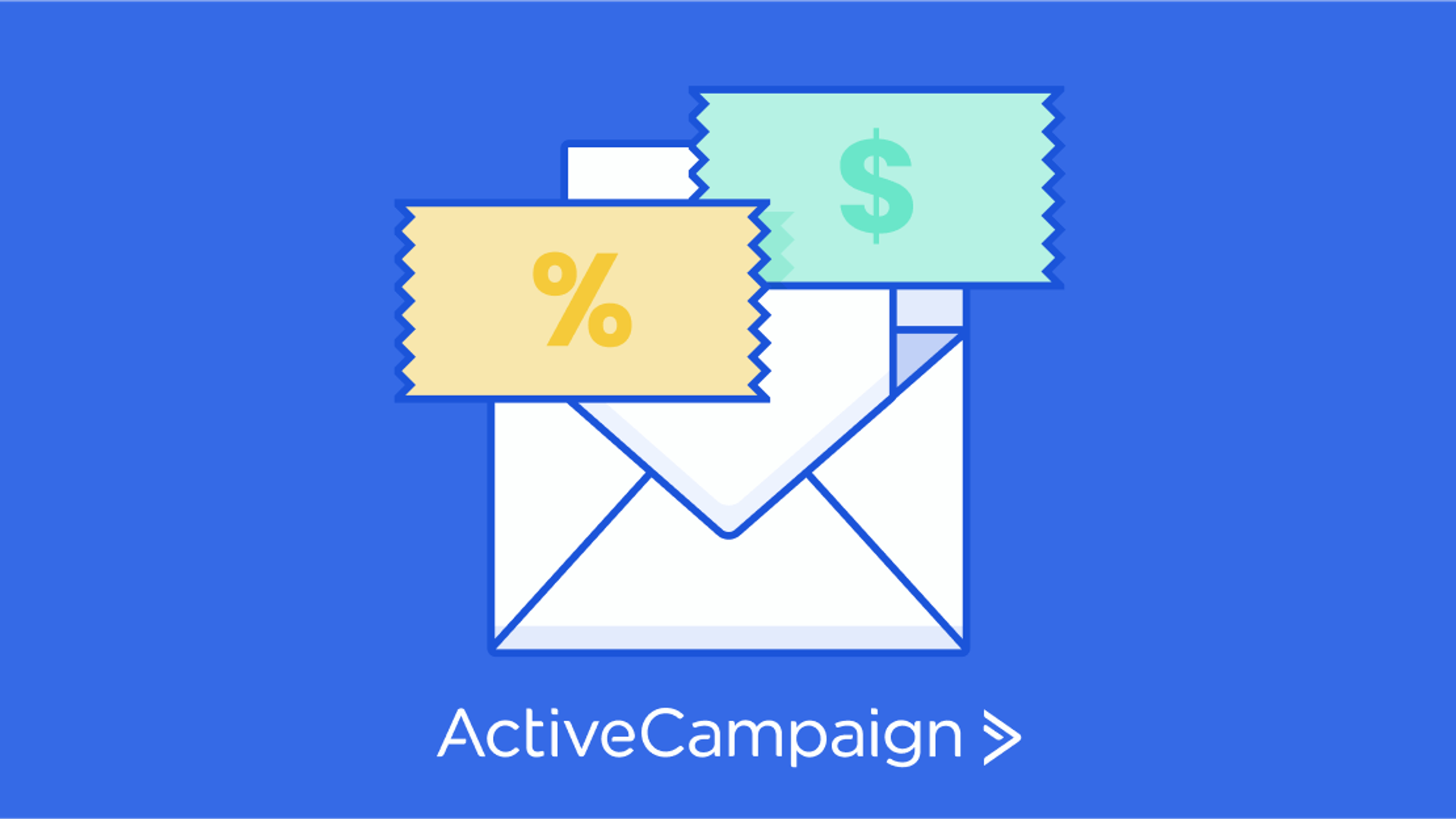
An email coupon is a discount, free gift, or shipping offer you send to subscribers to prompt a specific purchase. The strongest coupons go to a defined segment, carry a unique code, and expire on a set date. That combination drives sales without teaching your whole list to wait for a discount.
Shoppers want them. According to ActiveCampaign's ecommerce incentives report, 97% of consumers want more coupons from their favorite online stores, and email leads as the preferred way to receive them.
This guide shows you how to:
- Match a coupon to a clear business goal
- Choose from four coupon types, with real examples
- Set codes, expiry dates, and segments that protect your margin
- Send a unique code to every contact in ActiveCampaign
- Measure whether a coupon earned its discount
Why should you send email coupons?
Email coupons do four jobs well: they grow your list, win first purchases, bring customers back, and earn referrals. Give each coupon one of those jobs so you can measure it.
Grow your email list
A discount in exchange for an email address is a fair trade, and reciprocity works in your favor. When you give people something first, they are more likely to give something back.
Offer the coupon on a sign-up form and send the code in the first email after sign-up. New subscribers open that message, so the relationship starts with a win.
Win the first purchase
A coupon gives a first-time buyer a reason to act now. Send the offer in your welcome email series, while interest is highest.
Keep the offer modest. A new subscriber already chose to hear from you, so the coupon only needs to tip the decision.
Bring customers back
Reward behavior to keep repeat buyers buying. A tiered offer, such as free shipping on a third order, gives loyal customers a reason to return. Lapsed customers need a different message: a short win-back offer with a deadline. The guide to increasing retention and customer lifetime value with email covers the follow-up emails that support these offers.
Earn word-of-mouth referrals
People share good deals. A coupon a customer can forward, or a "give 15%, get 15%" offer, turns buyers into a referral channel. Give each referrer a unique code so you can see who sends you new customers.
Tip: name the goal before you pick the offer
A coupon that grows your list and a coupon that wins back lapsed buyers need different offers, audiences, and success metrics. Write the goal at the top of your campaign plan, then build the coupon around it.
What types of email coupons can you send?
You can send four types of email coupons: discount codes, buy-one-get-one (BOGO) offers, free gifts, and free shipping. Each one fits a different goal.
Email coupon types compared
| Coupon type | Best for | Watch out for |
|---|---|---|
| Discount code | Winning first orders and lifting sales | Margin loss and customers who wait for the next code |
| BOGO | Moving extra inventory and raising items per order | The cost of the free item |
| Free gift | Raising order size without cutting prices | Gift and handling costs |
| Free shipping | Recovering carts that stall at checkout | Absorbed shipping costs on small orders |
Discount codes
A discount code lets customers pay a percentage or a fixed amount less than the listed price. A 25% code turns a $100 order into a $75 order.
ActiveCampaign's incentives report found that Millennials lean toward percentage-based discounts over dollar-off offers. Test both formats with your own list before you commit.
Check every discount against your margin first. A product that sells for $100 and costs $60 to make earns $40, and a 25% code cuts that to $15. Add a minimum purchase to protect the math and lift order size.
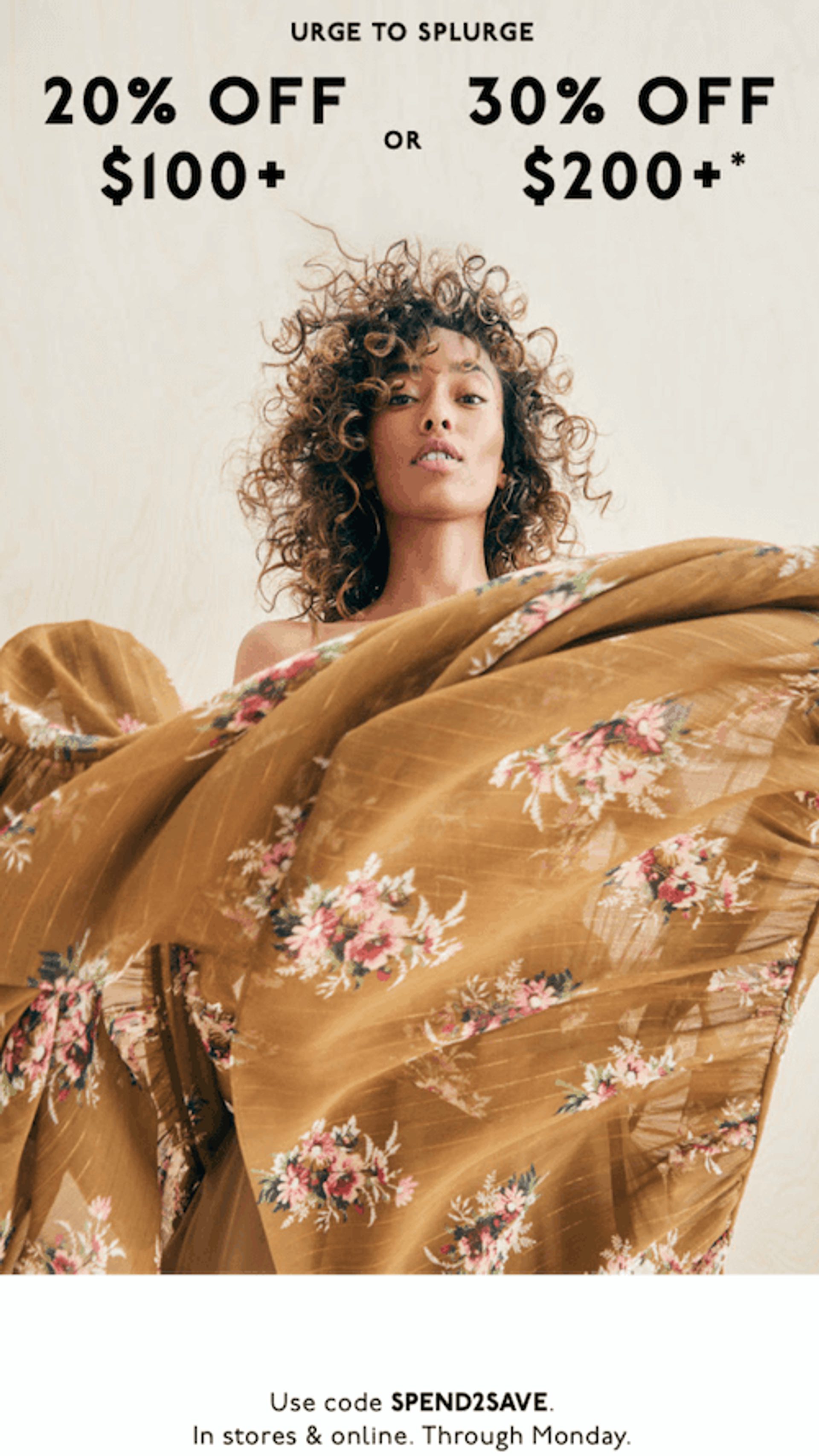
This tiered offer gives 20% off $100 or more and 30% off $200 or more, which nudges shoppers to build a bigger order.
Buy one, get one (BOGO)
A BOGO offer gives customers a second item, or a third, free or at a discount. Retailers use it to move extra inventory and raise units per order.
Run the numbers before you send one. If a shirt costs $5 to make and sells for $25, a buy-one-get-one-free still earns $15 on two shirts. The offer works when the single price covers the cost of both items.
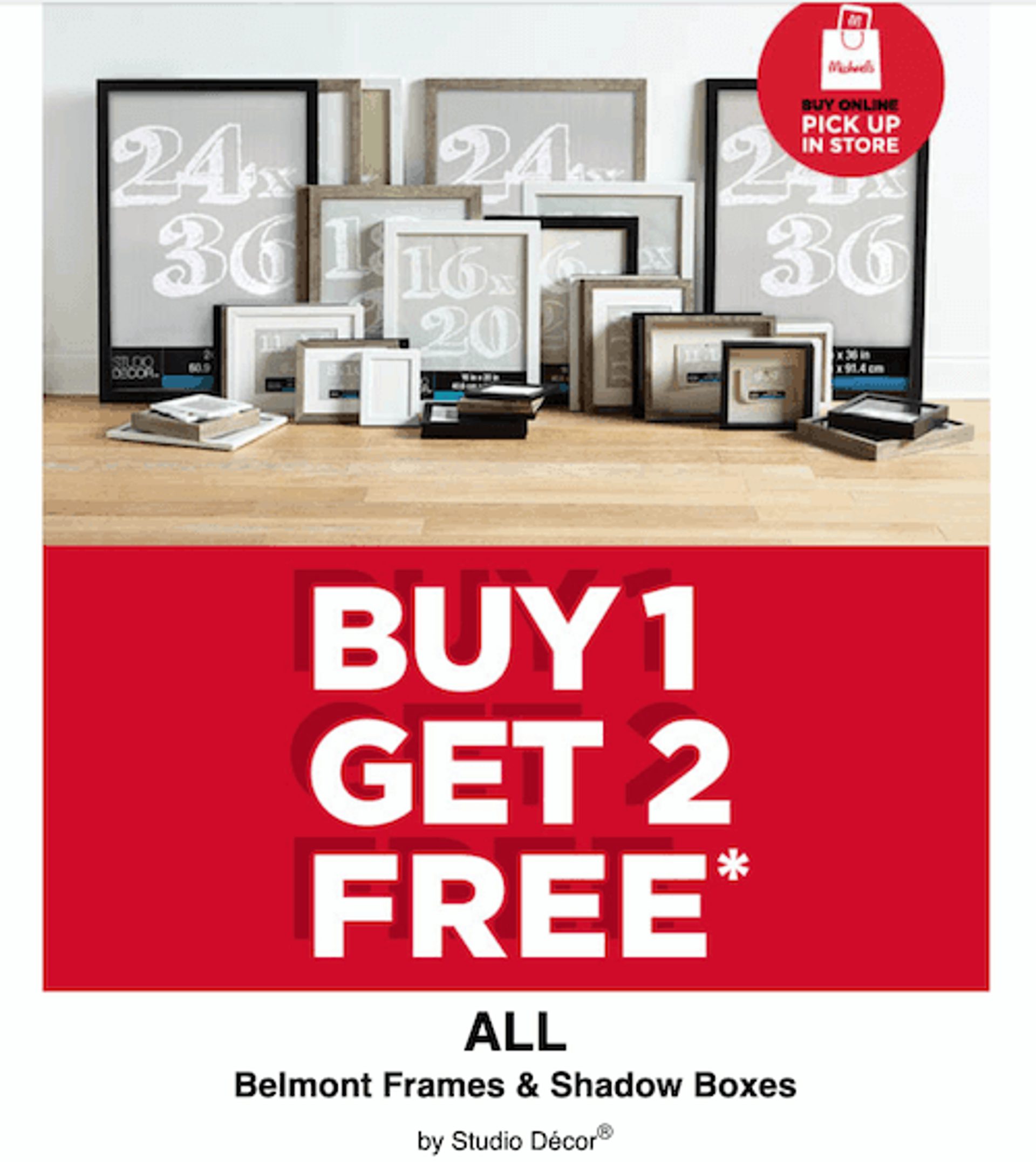
This Michaels email stretches the idea to two free frames or shadow boxes with each one purchased.
Free gifts
A free gift with purchase raises order size without cutting your prices. Set the gift to apply at a spend minimum, so customers add items to reach it.
Pick a gift that costs you little and customers still value, such as a sample, a travel size, or an accessory.
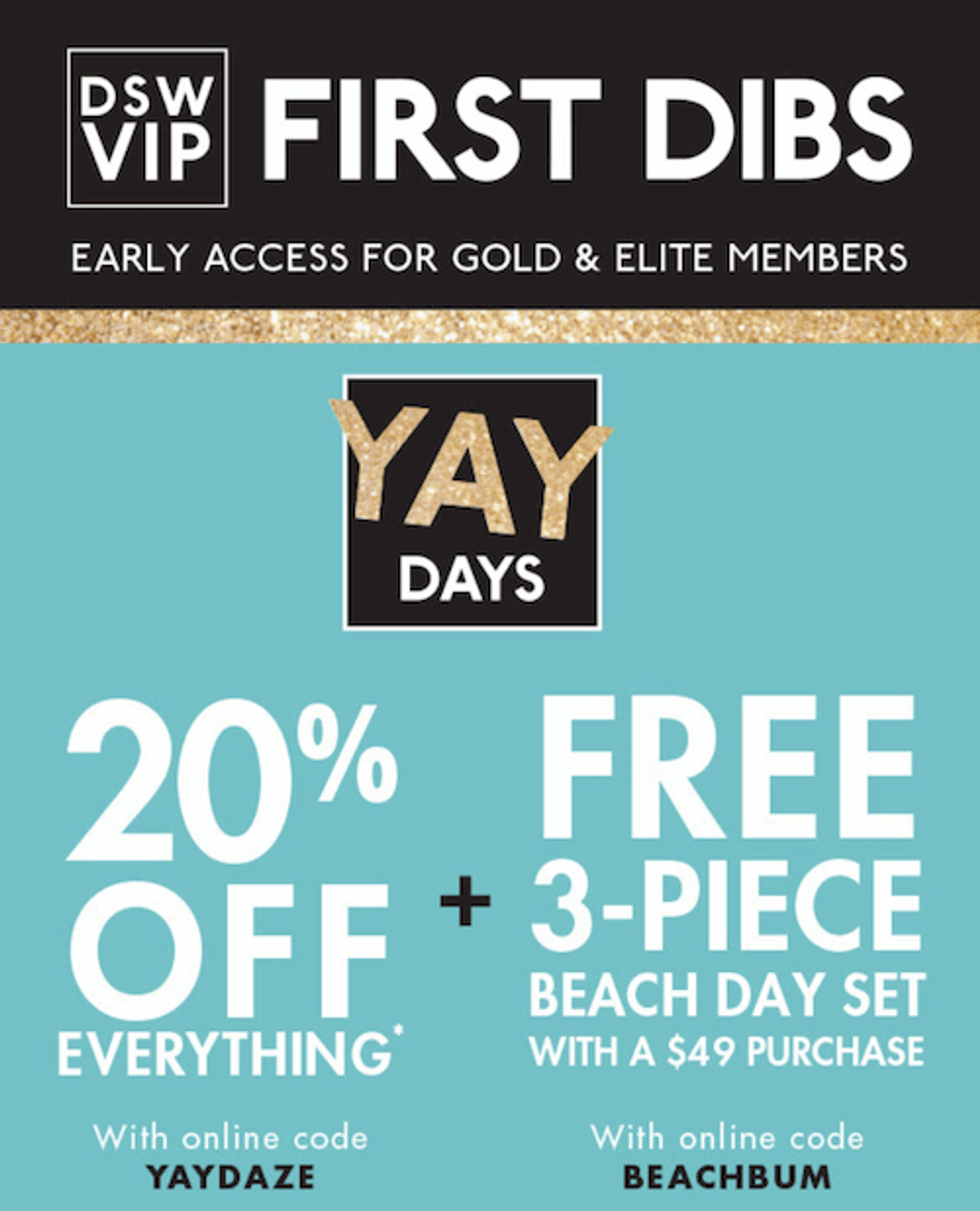
DSW pairs 20% off with a free three-piece beach set at a $49 purchase, so a single email carries a discount code and a gift.
Free shipping
Free shipping removes a cost that surfaces at checkout, which is where many shoppers abandon a cart. A free shipping coupon can recover orders that would otherwise stall.
You have two options: free shipping on any order, or free shipping above a minimum. A minimum protects margin and lifts basket size. Free shipping on any order works best as a short promotion with a deadline.
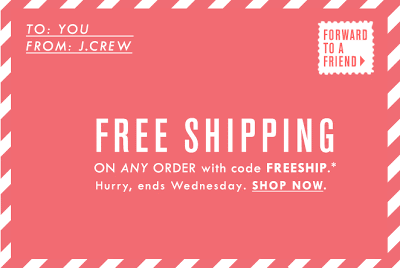
This J.Crew email offers free shipping on any order and sets a Wednesday deadline.
How do you send email coupons without hurting your margin?
Send fewer coupons to better-chosen segments, give each contact a unique code, and set a clear expiry date. Those three habits protect your margin and keep full-price sales healthy.
The purpose of a coupon is to win a customer who buys again later at full price. If your store always has 20% off, nobody has a reason to pay full price. Coupon fatigue also sets in when every inbox shows "limited time only."
Match each coupon to a goal and an audience
Segmenting your list means grouping contacts by what they have in common, such as purchase history or engagement. The audience segmentation guide walks through the main ways to split a list. In ActiveCampaign, segmentation is built in, and Active Intelligence can suggest segments from your engagement data for you to approve.
Use the table below to pick the offer and the audience together.
Email coupon goals, offers, and audiences
| Goal | Offer | Who gets it |
|---|---|---|
| Grow the list | Percentage off the first order | Website visitors who sign up |
| Win the first purchase | Welcome-series code with a deadline | New subscribers who have not bought yet |
| Raise order size | Spend-threshold discount, free gift, or free shipping minimum | Customers who usually place small orders |
| Win back lapsed buyers | Short-deadline percentage off or free shipping | Customers who have passed their usual repurchase window |
| Reward loyalty | Early access or a VIP-only code | Repeat and highest-value customers |
Leave your most frequent buyers off broad discount sends. They are the contacts most likely to redeem a code on an order they already planned to place.
Use unique, single-use codes
A unique code belongs to one contact and works once. Shared codes such as SAVE20 spread to coupon sites, where people who never subscribed can redeem them.
Unique codes keep the offer with the audience you chose and show you exactly who redeemed it. The steps for sending them in ActiveCampaign appear further down this page.
Common mistake: one public code for everyone
A single code with no end date gets posted on coupon sites and used long after your campaign ends. You also lose the ability to see which contacts redeemed it.
Set an expiry date that fits the offer
An expiry date gives shoppers a reason to act now. It applies the scarcity principle, one of Robert Cialdini's persuasion techniques: people value what is limited.
For a flash offer, 24 to 72 hours is enough. For a standard offer, one to two weeks gives people time to act without letting the code sit unused.
Make the deadline impossible to miss:
- Name the end date in the subject line and the preheader
- Repeat the date next to the code in the email body
- Send one reminder to contacts who have not redeemed the code
- Exclude anyone who already redeemed it from the reminder
Make the offer exclusive
Exclusivity makes a coupon feel earned. Early access for your best customers rewards loyalty and costs less than a public sale.
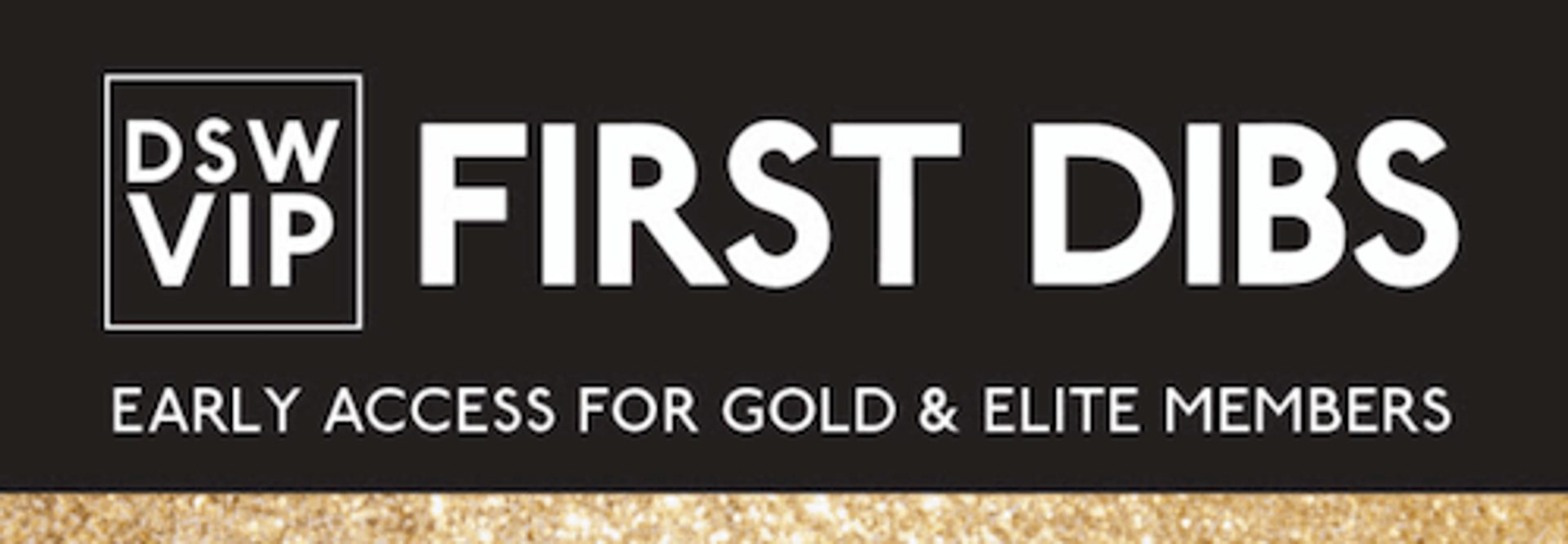
DSW tells VIP members they get first access to the sale, which makes the discount feel earned.
Trigger coupons with automation
Automation sends the right code at the right moment without a manual send.
These triggers tend to earn their discount:
- Welcome: a first-order code after sign-up
- Abandoned cart: a code in a later reminder, not the first
- Win-back: a short offer after a long gap since the last purchase
- Birthday: a personal code sent on the date saved in a contact field
- Post-purchase: a next-order code that expires in two weeks
For abandoned carts, send a plain reminder first. Some shoppers return with a nudge alone, so hold the coupon for a later email. The abandoned cart email guide shows how to sequence them.
ActiveCampaign for ecommerce connects these triggers to your store data. Describe the sequence you want in plain text, and Active Intelligence drafts the automation for you to review and approve.
Write the email so the code gets used
Follow these steps when you build the coupon email:
- Use one call to action. Point to a single button, such as "Shop now."
- Put the offer in the subject line. Name the discount and the deadline, and use the subject line generator to draft options.
- Write the code as live text. Many email apps block images by default, so a code that exists only in an image can disappear.
- State the terms. Include the minimum spend, exclusions, and expiry date in the body.
- Finish the small details. Use a recognizable sender name and a preheader that repeats the offer.
Send coupons to engaged subscribers to keep your email deliverability healthy. A prebuilt email template gives you a layout to start from.
How do you measure whether an email coupon worked?
Measure a coupon by the profit it adds, not by how many people redeem it. Redemptions include shoppers who would have bought anyway.
Track these numbers for every coupon:
- Redemption rate: redeemed codes divided by delivered emails
- Revenue per recipient: total revenue from the send divided by contacts who received it
- Margin after discount: profit on coupon orders once the discount is subtracted
- New versus repeat buyers: how many redeemers were first-time customers
- Repeat purchase rate: how many coupon buyers return and pay full price
- Unsubscribes and spam complaints: signs you are sending too many offers
To measure the revenue a coupon added, run a holdout test:
- Split one segment into two random groups.
- Send the coupon to the larger group and hold the offer back from the smaller one.
- Compare purchases per contact in both groups over the same period.
- Subtract the cost of the discounts from the extra revenue.
If the coupon group bought about as much as the holdout, the discount gave away margin and added no sales. The ecommerce KPI guide explains how to track the surrounding metrics, and split testing in ActiveCampaign lets you compare two offers head to head.
How do you send a unique coupon code to every contact in ActiveCampaign?
Store each contact's code in a custom field, then insert it with a personalization tag. Socks on Schedule, a sock subscription service, used this method after a giveaway.
Founders Spencer and Josh ran a contest with a year of free socks as the prize, and contestants shared their email addresses to enter.
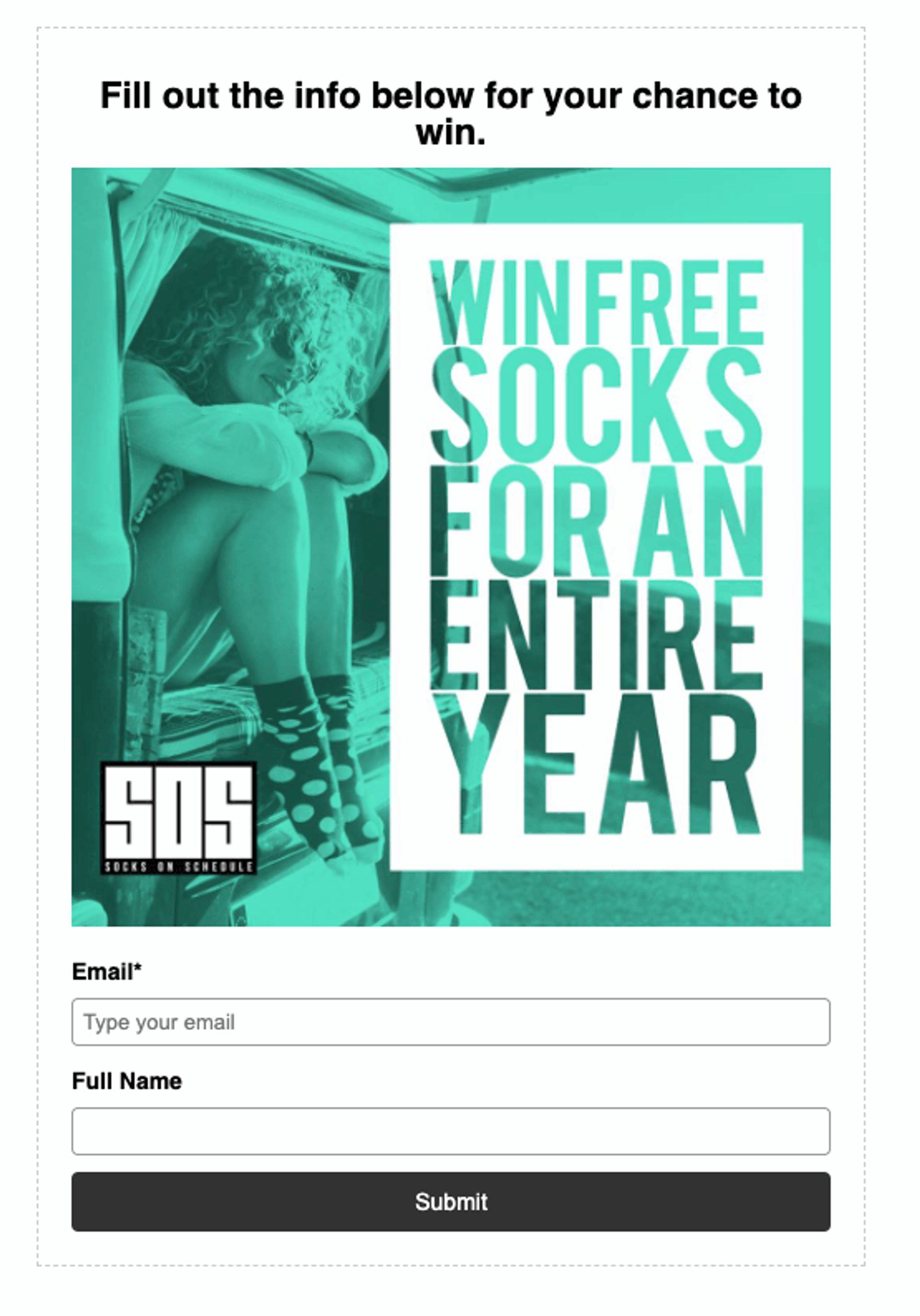
This is the form Spencer used to capture names and emails for the contest.
Once the contest ended, Spencer sent a campaign announcing the winners and offering everyone a discount on a monthly subscription. He wanted three discount levels (20%, 30%, and 40% off) and a unique, single-use code for each contact.
Here is how he set it up:
- He generated unique coupon codes for entrants in Cratejoy, his subscription ecommerce platform: 20%, 30%, 40%, and one for the free membership winner.
- He randomized the codes and entered them in a .csv file next to each contact's email address.
- He created two custom fields in ActiveCampaign: coupon code and percent discount.
- He uploaded the .csv, which matched each contact to their code and percentage.
Spencer then wrote "Your coupon for [PERCENT DISCOUNT] is [COUPON CODE]" in the email. ActiveCampaign filled in the personalization tags from each contact's custom fields, so every recipient saw their own discount and code.
You can use the same pattern for any coupon program: generate codes in your store, import them into custom fields, and let a personalization tag place them in the email.
How do you plan seasonal email coupons?
Plan seasonal coupons on a promotion calendar, with each offer tied to a goal and a segment. Black Friday, Cyber Monday, the winter holidays, back-to-school, and end-of-season clearances all give shoppers a reason to expect a deal.
A seasonal coupon plan usually includes:
- Early access: a VIP-only send before the public sale
- The main offer: one code with a clear deadline
- A last-chance reminder: a send to contacts who have not bought
- A thank-you: a next-order code for customers who did buy
Start from the ecommerce marketing calendar to map your dates. Then use the guides to Black Friday emails, Black Friday campaign ideas, Cyber Monday emails, and ecommerce holiday readiness to plan the sends.
Send coupons your customers use
Email coupon FAQ
What is an email coupon?
An email coupon is a discount, free gift, or shipping offer you send to subscribers by email to prompt a specific purchase. It usually carries a code and an expiry date.
How often should you send email coupons?
Send a coupon when it has a defined goal and a defined segment, not on a fixed schedule for the whole list. A welcome offer, a few seasonal promotions, and triggered offers such as cart and win-back emails cover most stores. Watch unsubscribes and full-price sales as signs you are sending too many.
How long should an email coupon last?
A flash offer works with 24 to 72 hours. A standard offer works with one to two weeks. Name the end date in the subject line and the email body.
How do you create unique coupon codes for email?
Generate single-use codes in your store platform, import them with each contact’s email address into custom fields, and insert the code with a personalization tag. Each recipient then sees a code that works only for them.
Do email coupons hurt full-price sales?
They can, when the same discount arrives too often. Limit coupons to defined segments, vary the offer by goal, and track the repeat purchase rate of coupon buyers to confirm they come back at full price.